
Using AI to tune a 3D Printer

It's the weekend before Christmas, and your daughter needs you to print something for her brother. You go downstairs, fire up the trusty Ender 3 V2 Frankenstein 3D printer, load it with a fresh roll of filament, and then spend 3 days trying to figure out why it's not working like it did when you turned it off 4 months ago. Do you think this sounds familiar to you? Have you struggled to get your 3D printer working reliably?
I do not have the time to tinker as I used to, and after spending several days starting, failing, and restarting prints, swearing that you had the z-offset correct, the bed clean and free of oils, temperatures set correctly, you're ready to call it quits. This is super frustrating and nearly had me run out and purchase a new Bamboo Labs X1C. Hint, I did not. I knew my heavily modified Ender 3 could complete the print I did not have something configured correctly.
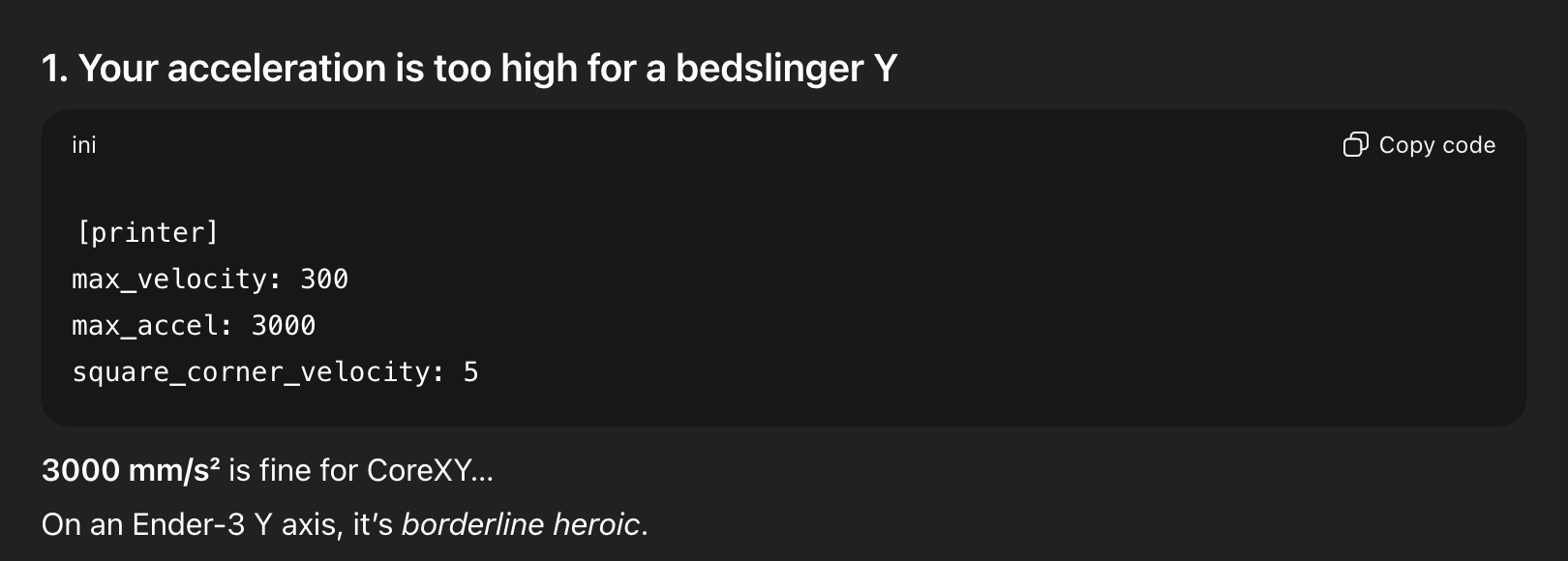
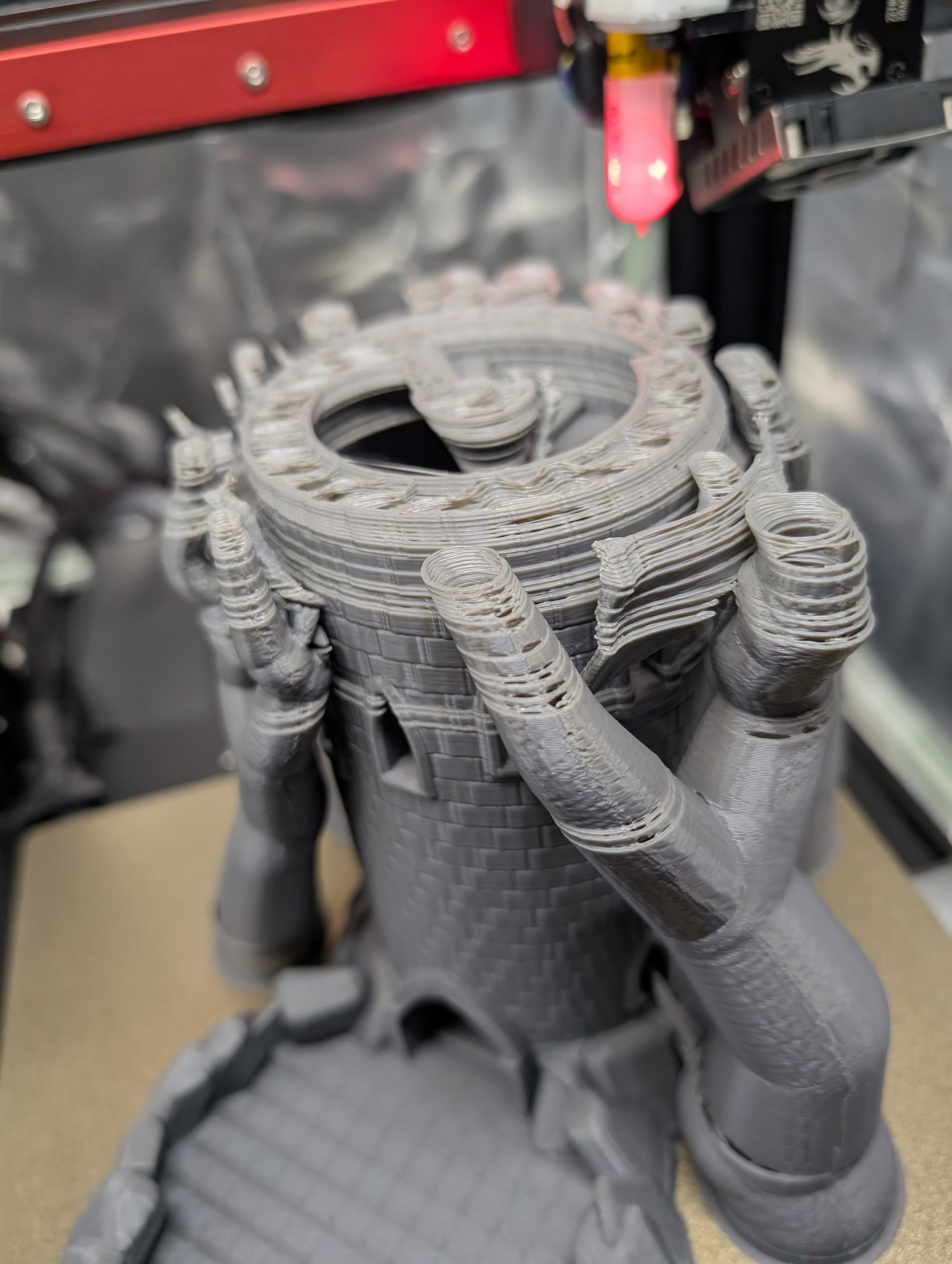
Over the summer, I printed out several Hydroponic Grow Towers, and due to the nature of the structure, I was able to push the printer as ChatGPT said to "heroic speeds" that no Ender 3 should ever be able to print reliably. I had it printing at nearly 300 mm/s with accelerations up to 3000 mm/s. This was causing the Y-Axis to slip at upper levels of prints that couldn't be printed in vase mode.
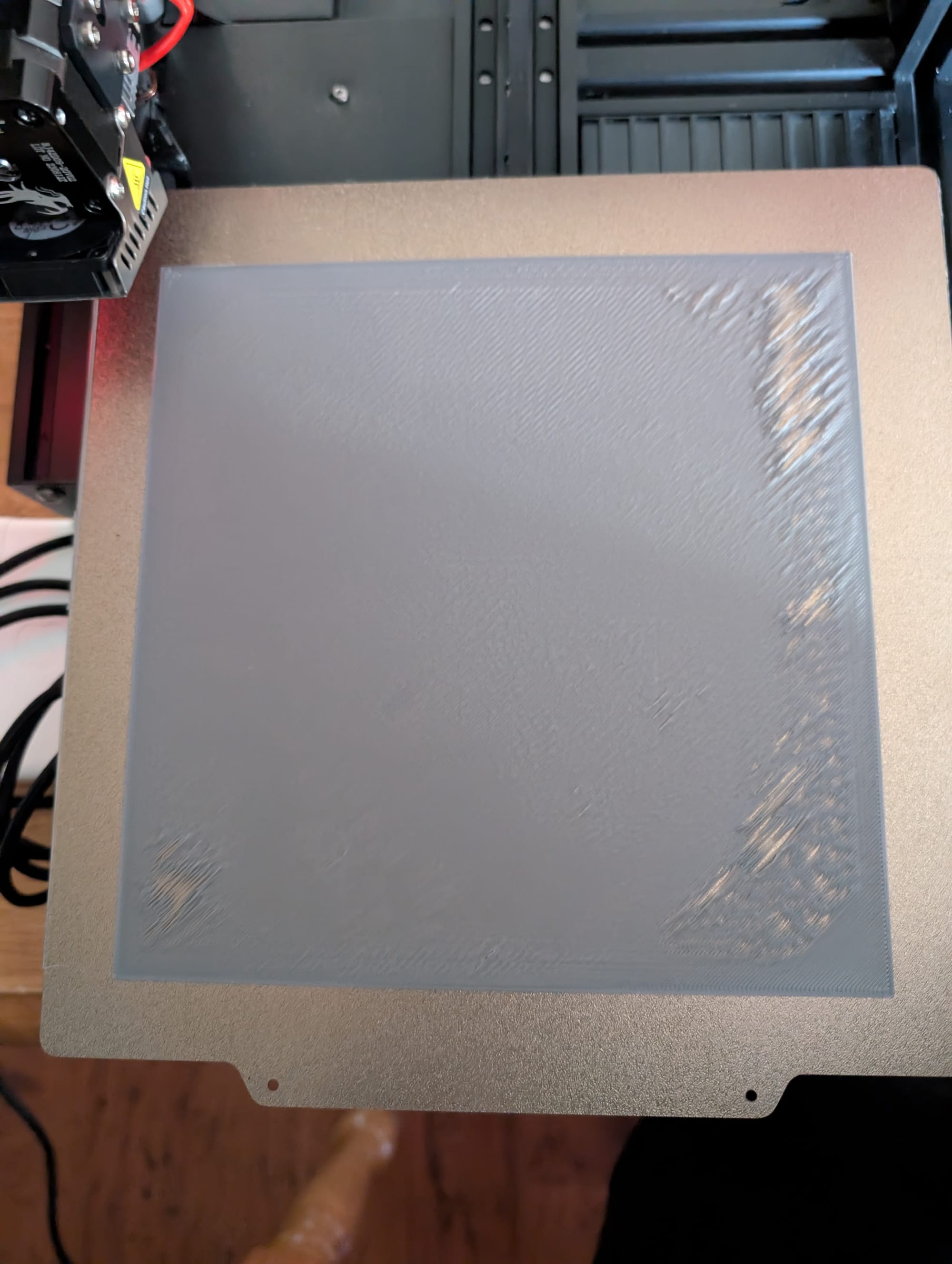
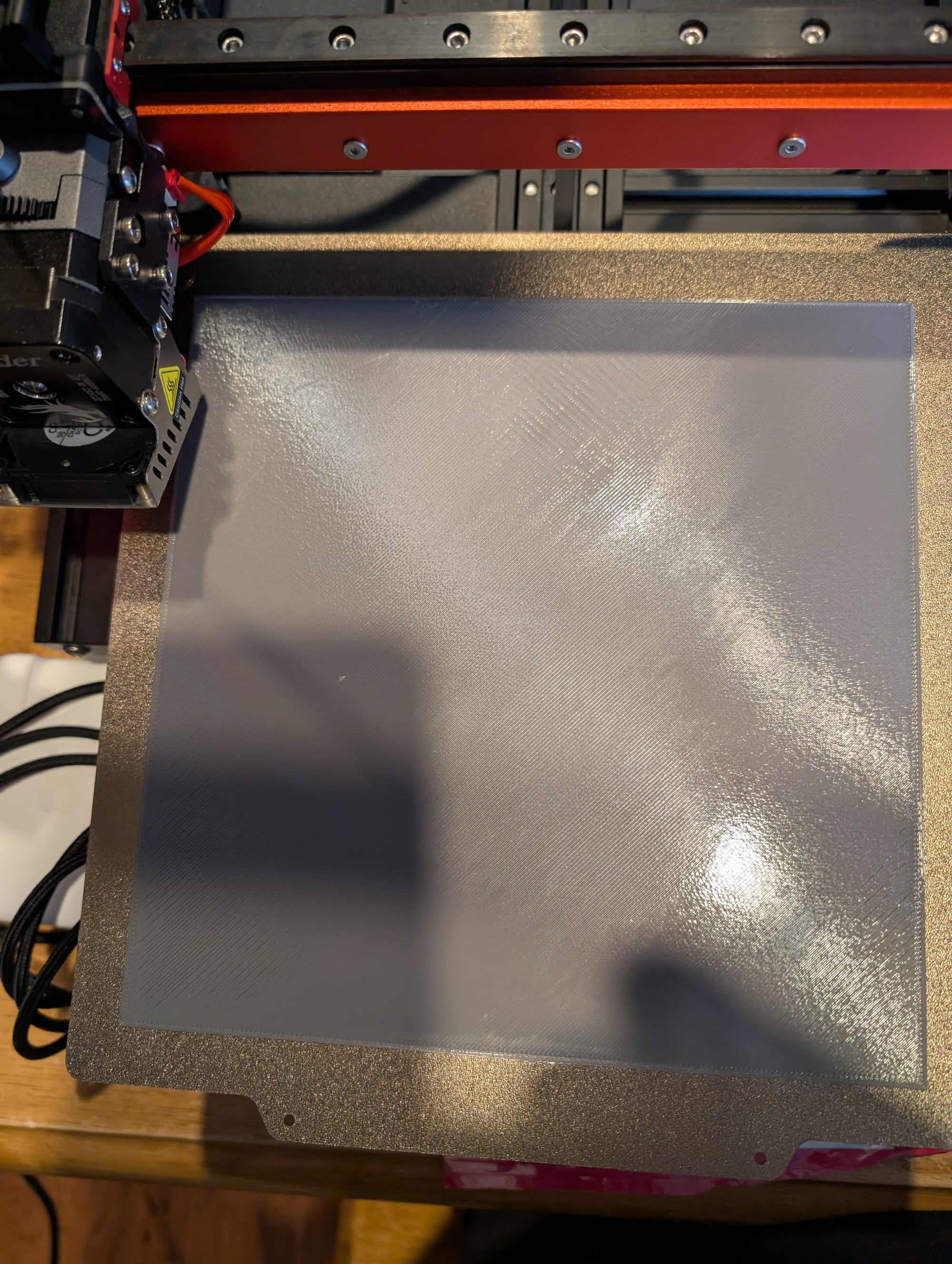
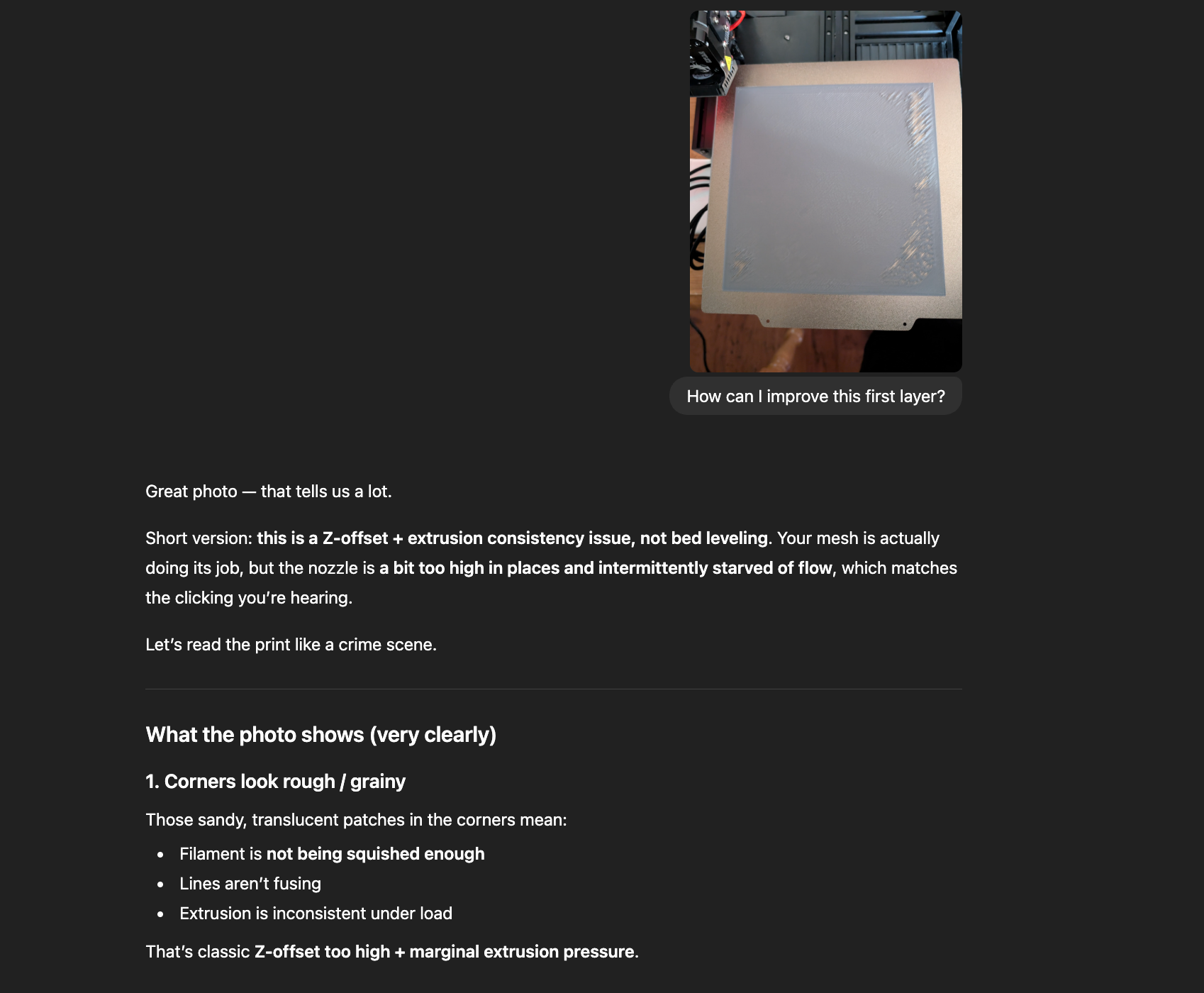
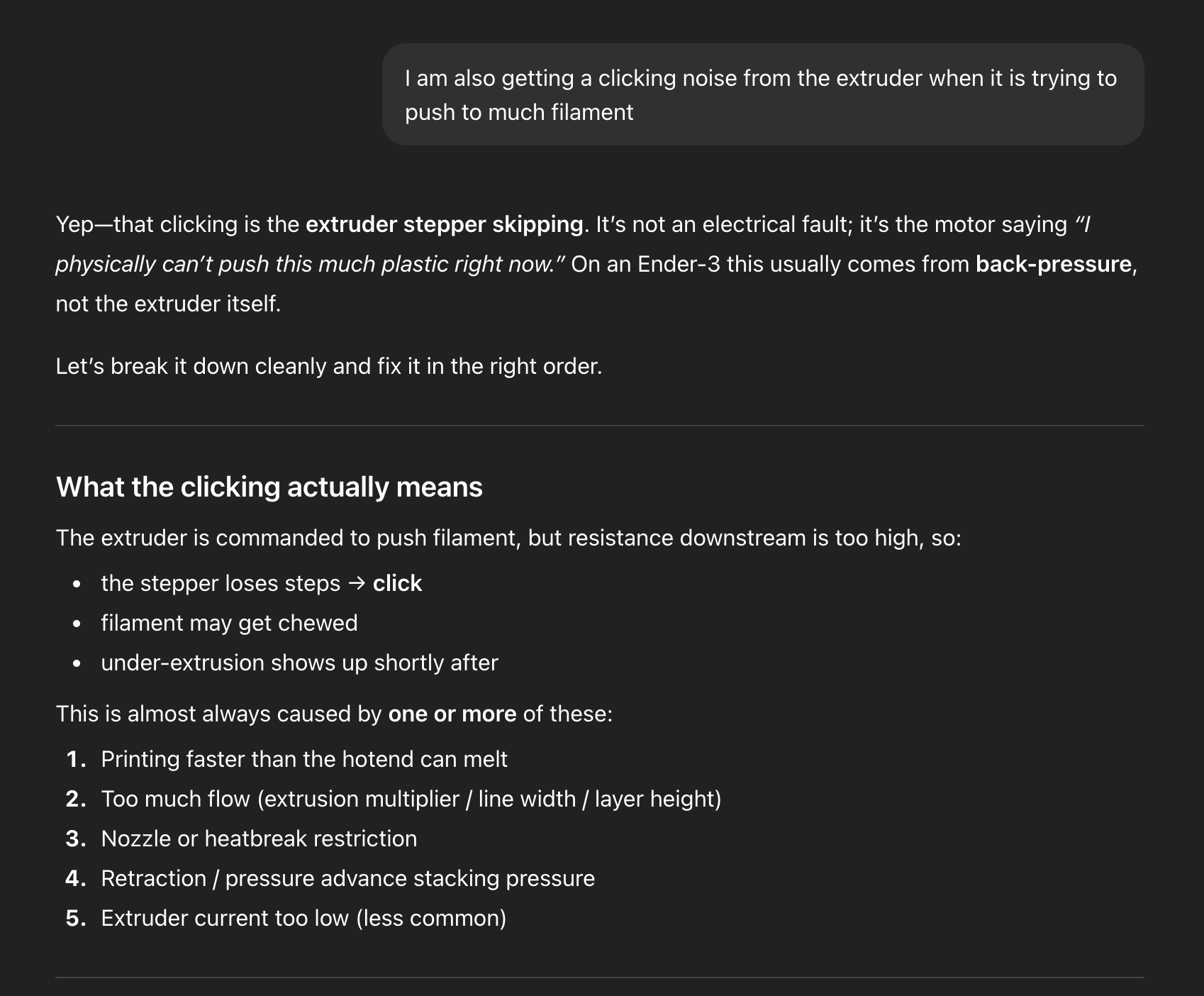
To solve the issue, I copied my Klipper config into ChatGPT. I provided details about what I was experiencing, along with information about my printer, an Ender 3 v2 with a Sprite Extruder and full linear rail mods. It quickly identified potential issues and suggested fixes to get the printer working again. I followed the steps, making the suggested tweaks, uploading pictures of the progress to get more suggestions, until I got a flawless first layer and began working to stop the Y-shifting issues. Once I had my Klipper config solid, I adjusted the printer settings to match Klipper and restarted my daughter's print. This was great. Instead of scouring the internet forums and YouTube Videos, running complete calibrations, or wasting extra time, I was able to pinpoint the issues and get the printer running great again. Now, when I press print, it just works.
Hardware
- Ender 3 v2
- SKR Mini E3
- Dual Z-Axis Steppers
- Full MGN12H Linear Rail Conversions
- Creality Sprite Pro with BLtouch
- Magnetic Textured PEI
- Raspberry Pi 3 - Mainsail Klipper Firmware